


What Is the Can't Cut List in Fantasy Football? Why Players Are Undroppable
Updated: Sep 22
A Can't Cut List—called an Undroppable Players List on ESPN—is a platform rule that prevents managers from dropping certain high-value fantasy players. It exists to protect competitive balance. Without it, an eliminated manager could release a star so a friend with favorable waiver position can claim that player before the playoffs.
If the drop button is disabled, however, do not assume the Can't Cut List is always the reason. A player may instead be locked because his game started, or a proposed move may violate an injured-reserve, position or roster rule. The correct fix depends on which restriction the platform is showing.
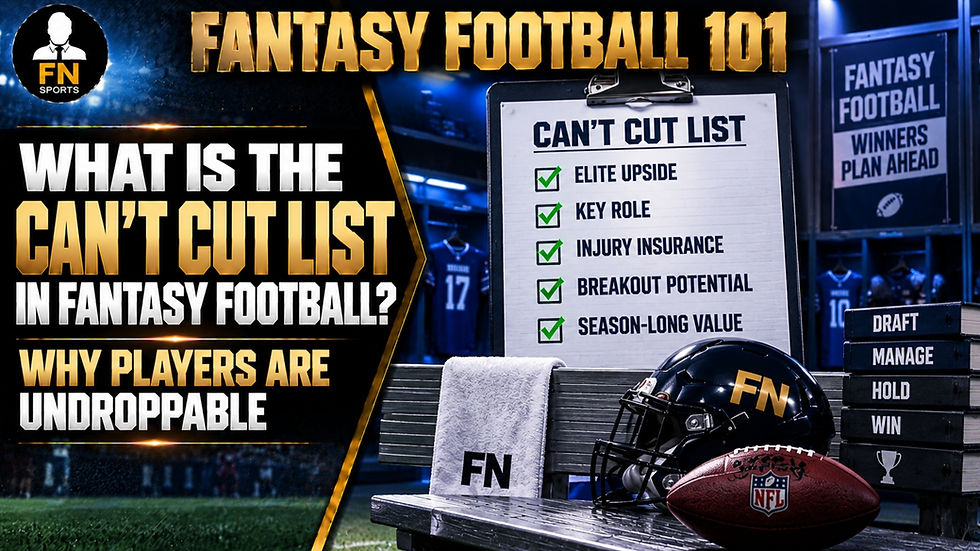
How the Can't Cut List works
The fantasy provider chooses a group of players whose established value makes an unexplained release especially damaging to league integrity. Those players remain on their current rosters and cannot be sent to the waiver wire through a normal manager transaction.
ESPN says its Undroppable Players List applies in all Standard leagues. In League Manager leagues, the commissioner can turn the list off through player-rule settings. ESPN also notes that an injury does not automatically remove a player from the list because a return later in the season may preserve significant value.
Yahoo describes the same protection as its Can't Cut List and says it reviews the list daily. Yahoo private-league commissioners can disable it in league settings. An injured or underperforming player is not automatically made droppable; the platform weighs injury severity and longer-term value.
Why fantasy leagues use an undroppable list
The primary purpose is anti-collusion protection. If a manager could release any star at any time, normal waiver priority could become a transfer mechanism rather than a fair acquisition system. A protected list removes the easiest version of that scheme.
It also protects the league from rage drops and abandonment. A frustrated manager may make an emotional decision after one poor game, or a noncompetitive team may stop caring about downstream consequences. The restriction is blunt, but it keeps one transaction from changing the championship race.
Can't Cut is different from a game-time lock
An undroppable designation follows the player because of platform policy. A game-time lock follows the schedule. ESPN explains that individual roster slots can lock when that player's NFL game begins; after a slot locks, only the League Manager can make certain roster adjustments. See ESPN's locked-player guidance for the platform procedure.
The practical test is timing. If the player normally was droppable but the control changed after kickoff, inspect the league's lock rules. Waiting until the scoring period advances may solve the problem. Disabling the Can't Cut List would not fix a game lock.

Roster rules can also block a transaction
A move may fail even when the player is neither undroppable nor locked. Your roster could exceed a position limit, lack an open spot or contain an ineligible player in an injured-reserve slot. Football Nation's fantasy IR guide explains why a player returning to active status can force another roster move before new transactions are allowed.
Read the error message closely. “Can't Drop” or “Undroppable” points toward the protected list. A lock icon tied to a game points toward timing. An eligibility or roster-limit message points toward lineup construction. These problems can look identical from the team page but require different responses.
What should you do if you cannot drop a player?
First, open the player card and look for a Can't Drop or Undroppable label. Second, check whether the player's NFL game has started. Third, review league settings for roster limits, injured slots and transaction deadlines. If the interface still does not explain the restriction, contact the commissioner with the exact message and a screenshot before the relevant deadline.
Do not judge the restriction by roster percentage alone. A widely rostered player may still be droppable, while a protected star can remain locked during a temporary slump. Popularity is market information; the Can't Cut designation is an enforceable platform rule.
Should a commissioner disable the Can't Cut List?
In a trusted private league, disabling the list can give experienced managers full control of their rosters. That may be reasonable when the league has clear anti-collusion rules and an active commissioner. The tradeoff is that every questionable drop now requires human judgment.
A commissioner should not switch the rule secretly or only to help one team escape a mistake. If the league changes the setting, announce the policy to everyone and apply it consistently. Temporary exceptions can affect who receives a player next, especially when waivers run by priority or budget.
When should you actually drop a formerly protected player?
Droppable does not mean must-drop. Reassess the player the same way you would any bench stash: current role, recovery timetable, replacement quality and your lineup's immediate needs. If the platform removes protection, it is granting permission—not making a recommendation.
The strongest reason to move on is a changed value case: the role disappeared, the return timeline no longer fits your season, or a clearly better free agent is available. Avoid dropping a valuable player merely because the button finally became active.
Football Nation takeaway
The Can't Cut List is a competitive-balance guardrail that prevents designated stars from being released into the player pool. When a drop fails, identify whether the cause is undroppable status, a game-time lock or another roster rule. Then use the matching solution: inspect league settings, wait for the lock to clear or correct the roster problem. A disabled button is the symptom; the label and timing reveal the real rule.


Comments